

Big picture
Studio → publish → fill
- You design pages and fields in Studio (draft schema).
- Publish promotes the schema so public fill routes use it.
- Respondents open the fill link or an embed; answers become submissions.
- Insights aggregates visits, answers, and drop-offs; Contacts consolidates respondents.
Why this architecture
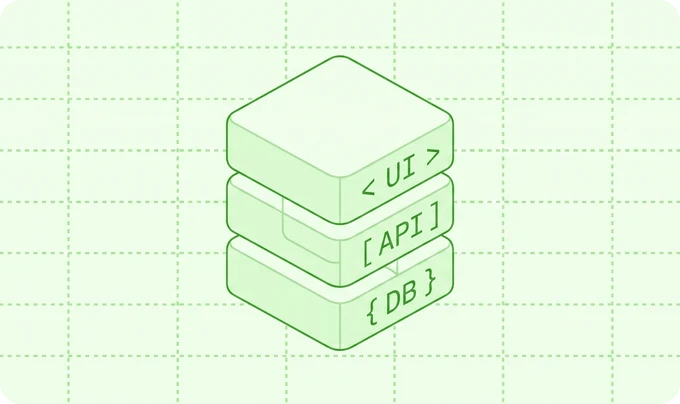
That split is intentional: builders stay in Studio, operators stay in the hub, respondents hit a lean fill surface, and your DB remains the source of truth.
Insights path (high level)
Beacons from fill feed a today buffer (optionally Redis), then daily rollups power Answers / Visits / Drop-offs. Details: Insights pipeline and Redis scaling.License gate (runtime)
On each request Flex Forms checks whether this hostname is allowed for your public key. Allowed apps get the full product; denied apps cannot mutate Studio data or accept live submissions. See Activate license and License flow.Where to go next
Studio
Builder, logic, design, publish.
Embed API
Drop forms on any website.
Webhooks
Push submissions to your stack.
Extensibility
Events, FieldMapper, custom integrations, Connections, actions.
Config & env
Optional published configuration.